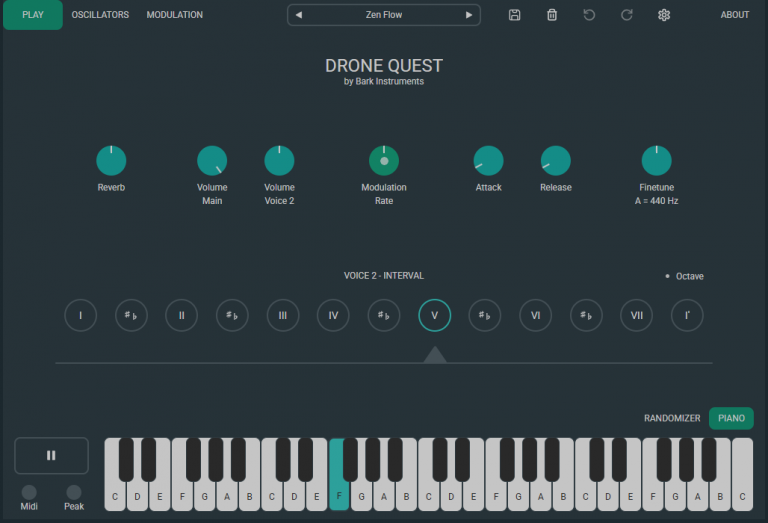
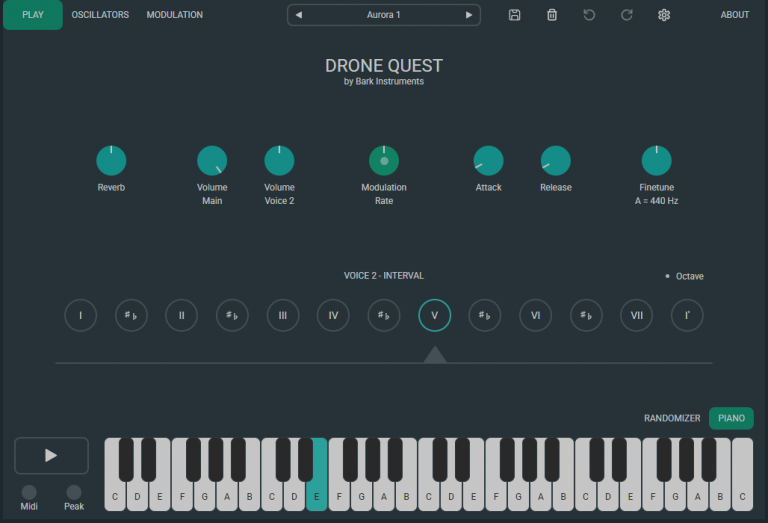
With Drone Quest, you create sustained sounds that modulate endlessly. A versatile collection of sounds is available – from gentle, meditative drones to deep, atmospheric textures, to cinematic, resonant soundscapes. All sounds are based on additive synthesis and can be shaped and developed according to your own vision.
Available as an app for Windows & macOS, as well as a plugin for all major DAWs.
Drone Quest is a contemporary take on the traditional shruti box – reimagined for creative sound design. At its core are two independently controllable voices: the first defines the root tone, while the second can be tuned relative to it.
Both voices can be adjusted separately in volume, allowing for finely tuned sound balances.
Rich Sound Through Harmonic Synthesis
The sound engine of Drone Quest is based on two oscillators that generate complex, rich waveforms by layering harmonic sine waves. These can be shaped, enriched with overtones, saturated with drive, or sonically transformed – for drones with depth and character.
Each oscillator can run independently or be smoothly morphed into the other.
Advanced Modulation for Evolving Soundscapes
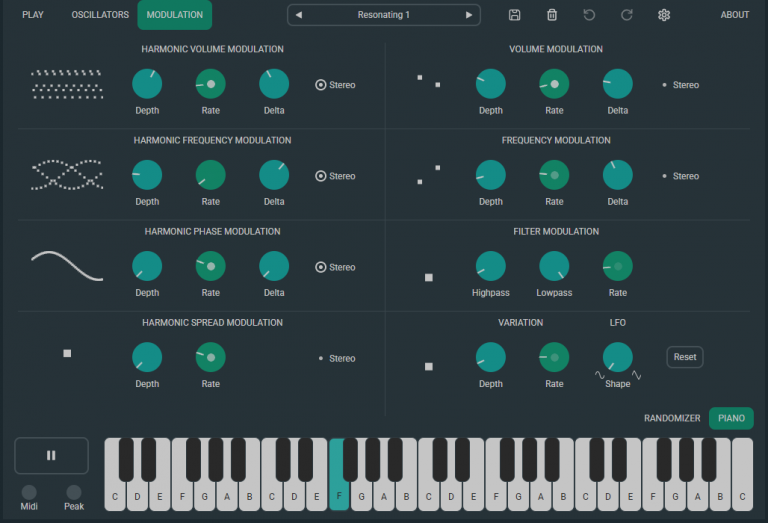
Drone Quest offers unique modulation capabilities: every single overtone can be modulated individually – opening up an enormous sonic spectrum, from subtle variations to intense, animated textures.
Up to 301 different LFOs are available, working together or against each other to generate complex, organic movements. These evolving patterns develop over long periods of time without becoming repetitive.
Installation
Download the appropriate installation file for your system, launch it, and follow the instructions.
When you launch the app for the first time, you’ll be prompted to sign in with your email address and a password. After signing in, you can activate the 7-day free trial and explore Drone Quest.
Note for Windows users: Windows may display a security warning ("Windows protected your PC"). This is a standard message for new software without a Microsoft certificate. To proceed safely, click "More info" and then "Run anyway" to continue with the installation.
Alternatively, you can purchase the app in the Microsoft Store: Open Microsoft Store
Minimum System Requirements
macOS 10.11 or Windows 10 (x64 architecture with an AVX2-capable CPU)